01Connect your cTrader account
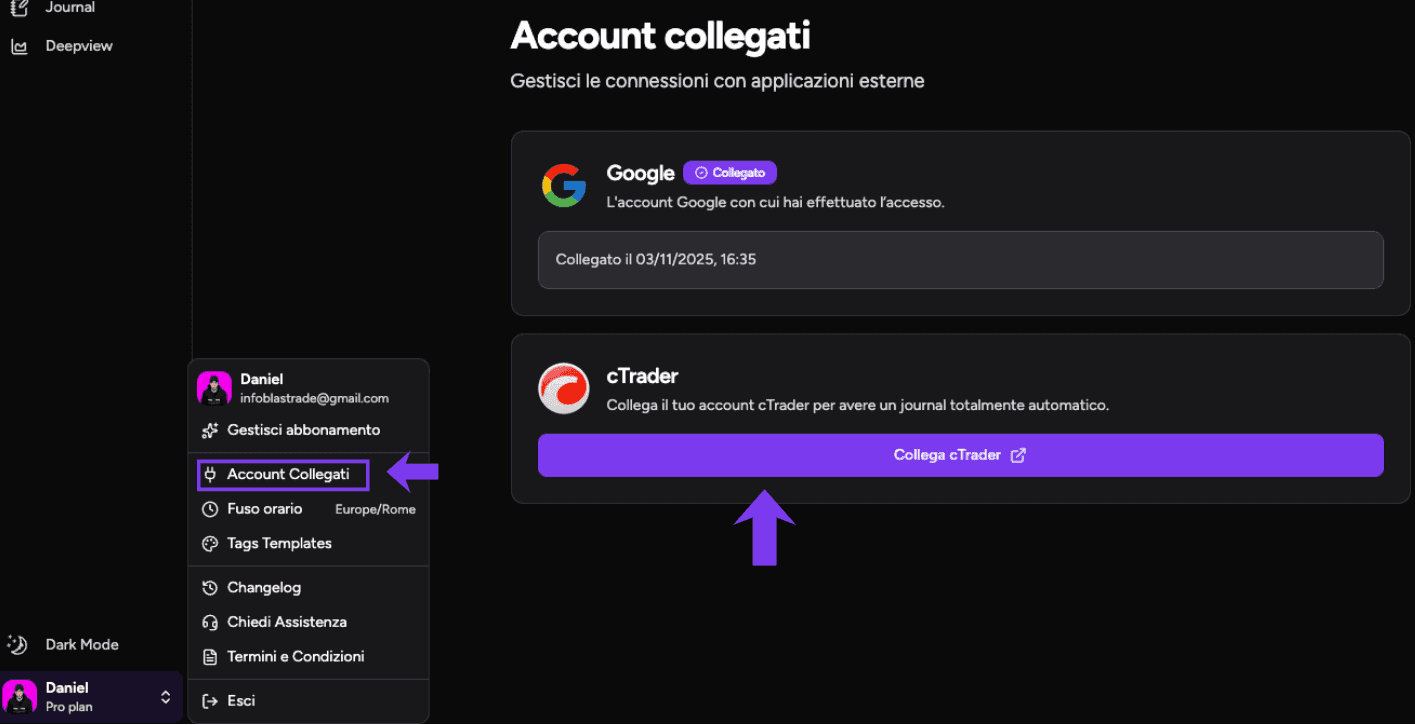
Open your profile, choose Connected Accounts and connect cTrader. Sign in with your cTrader ID, then select the live or demo accounts you want to make available in TotalTrade.
The selected accounts will appear when you create a new Journal track record.
02Create a new track record
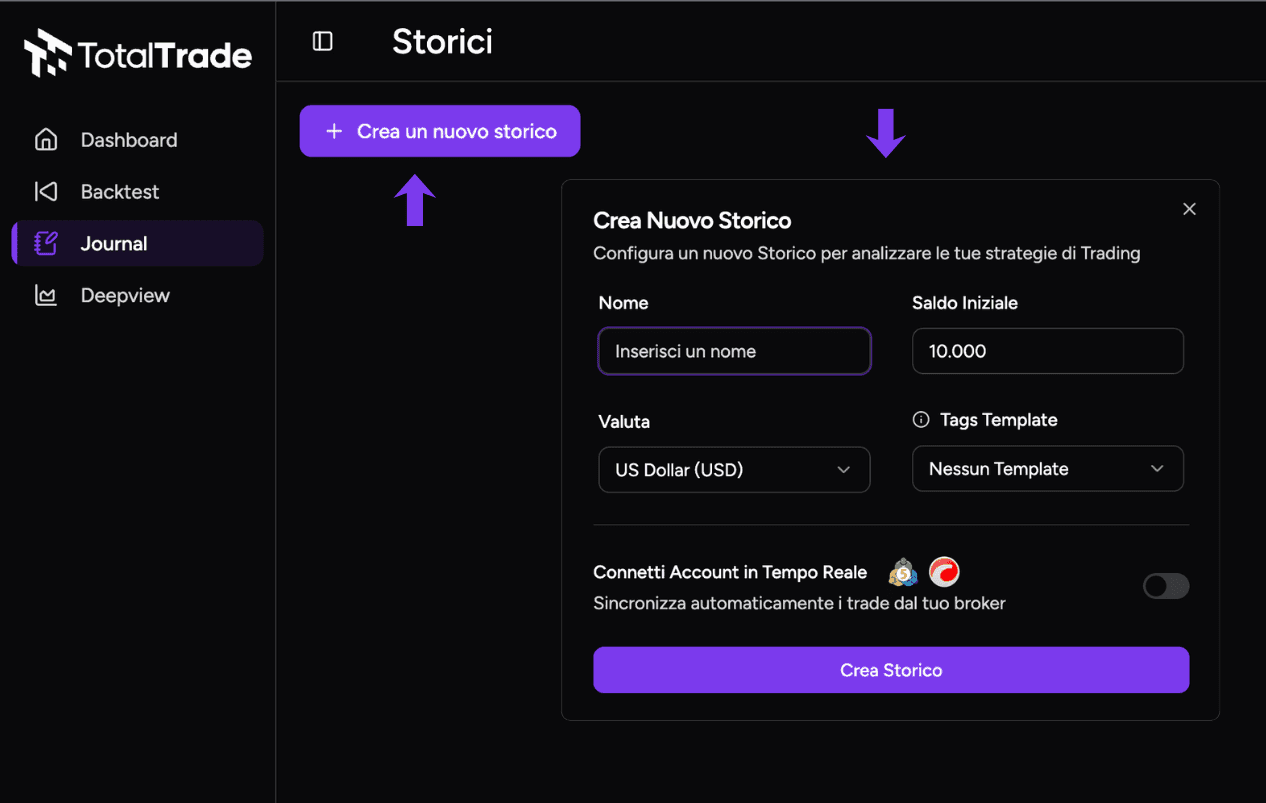
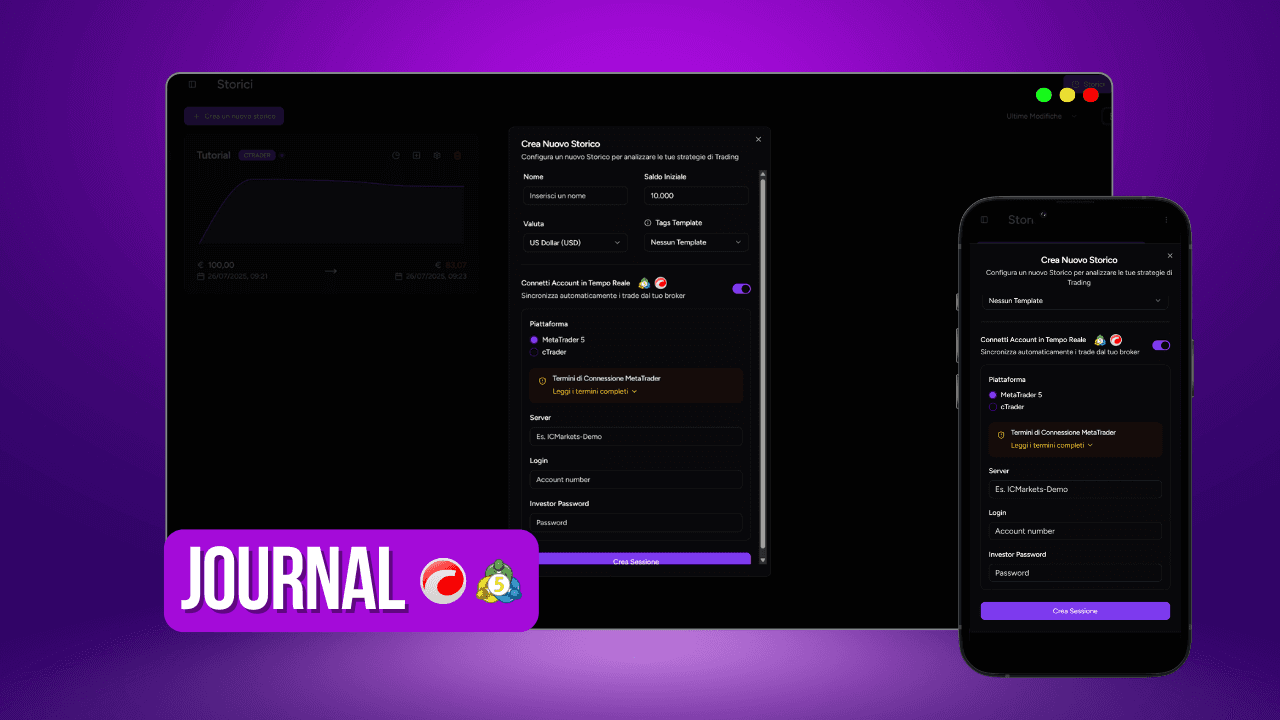
Open Journal and select Create a new track record. Choose the name, initial balance and currency. Add a tag template if you want the new history to follow an existing structure.
03Turn on the live connection
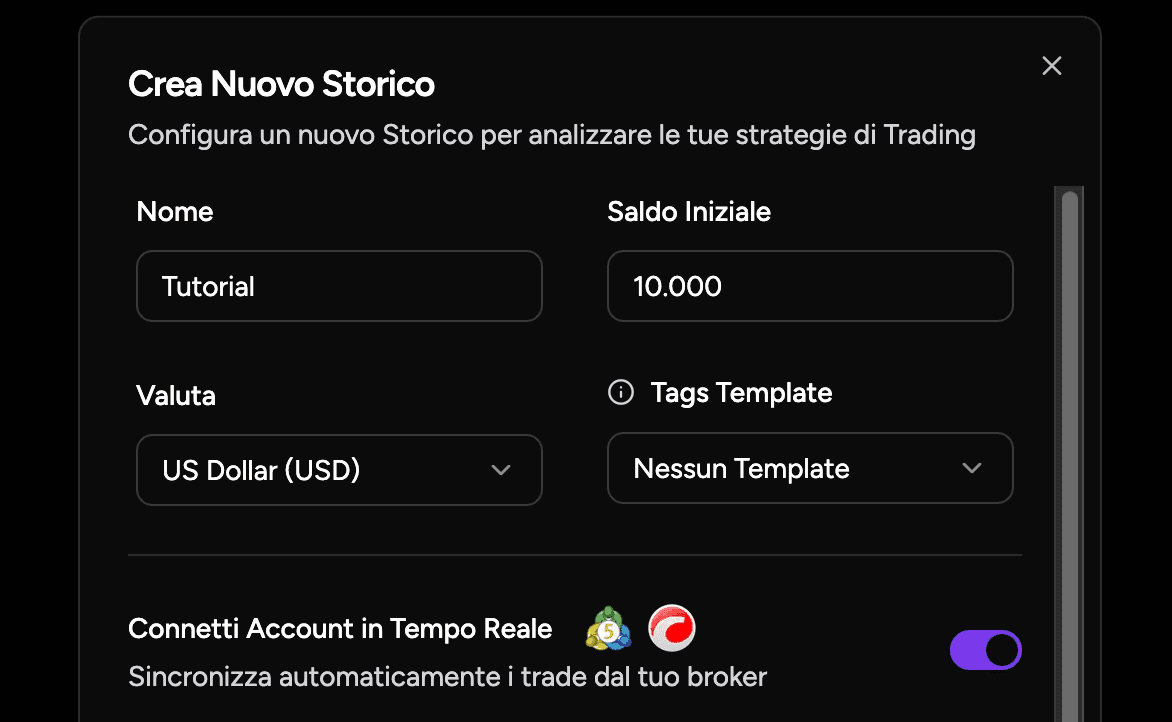
Under the main fields, select Connect Account in Real Time and choose cTrader as the platform.
04Select the account
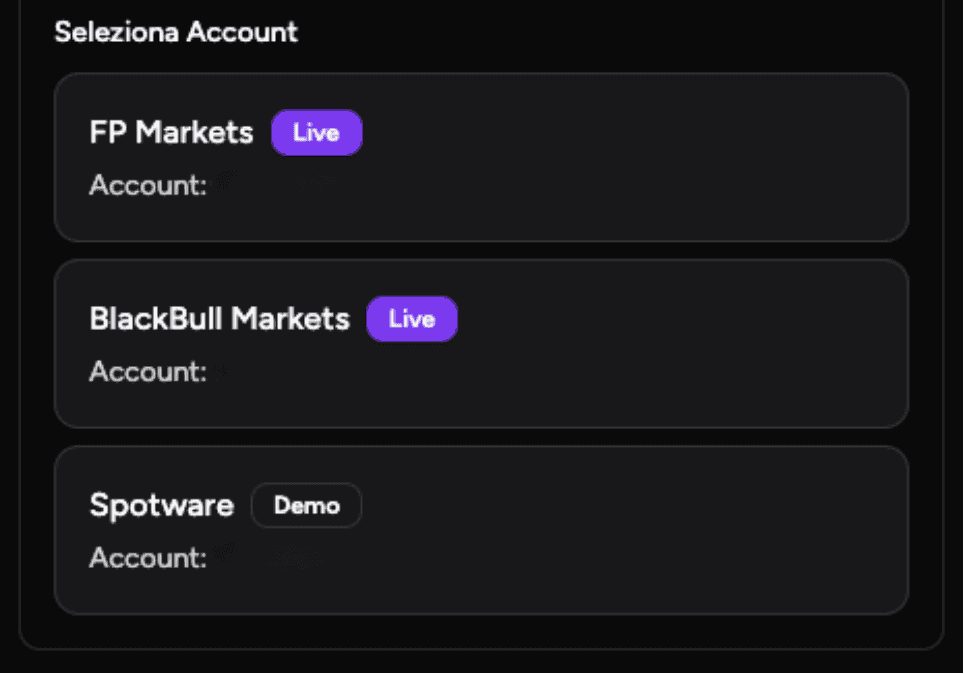
Open the account selector and choose the cTrader account whose trades should be synced with this Journal track record.
05Choose the history to import
Import the full account history, begin from a selected date or sync only trades created from now on. Confirm your choice to create the session.
After the connection is active, new cTrader positions will appear in the Journal within a few minutes with their details and updated statistics.